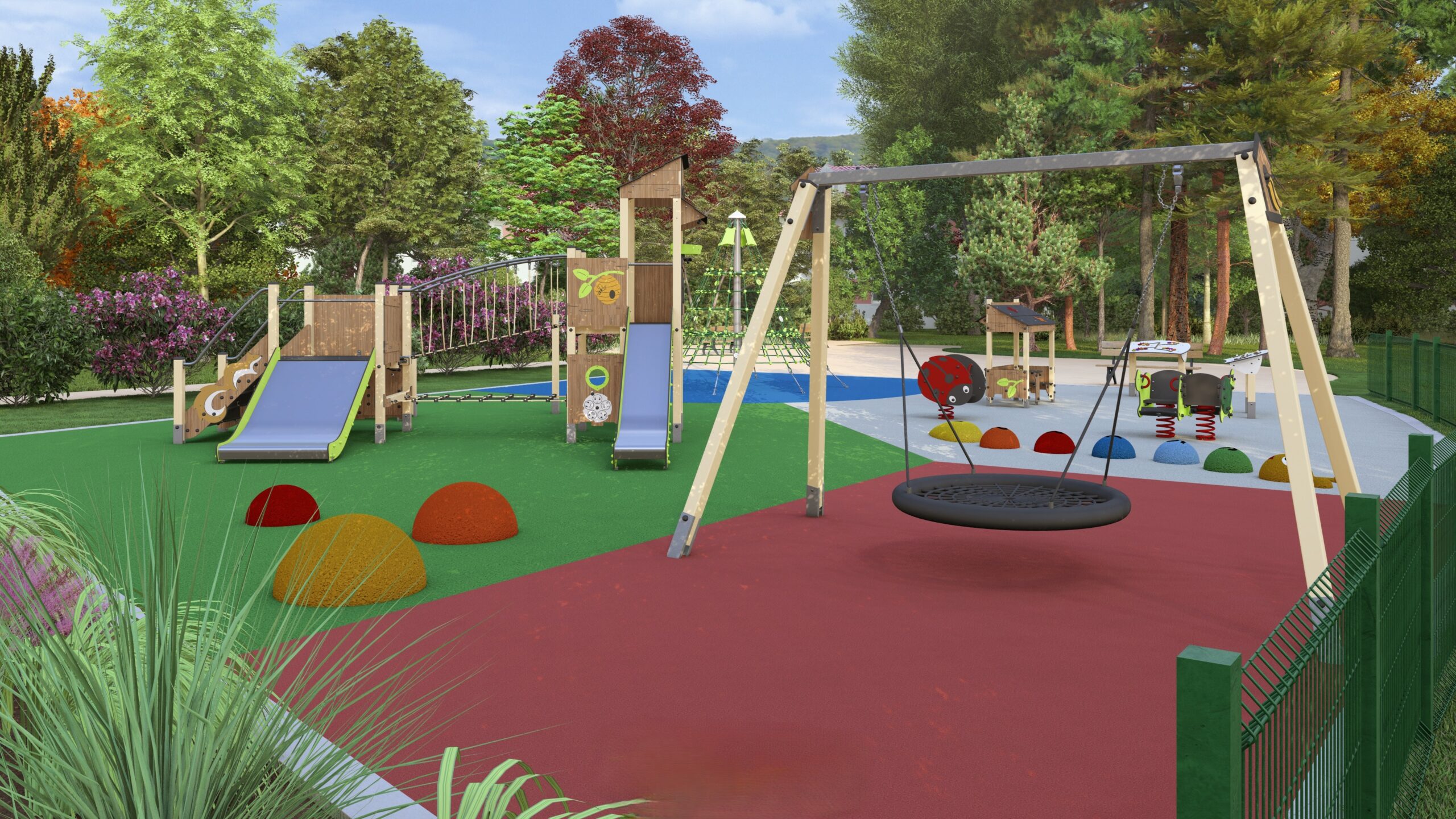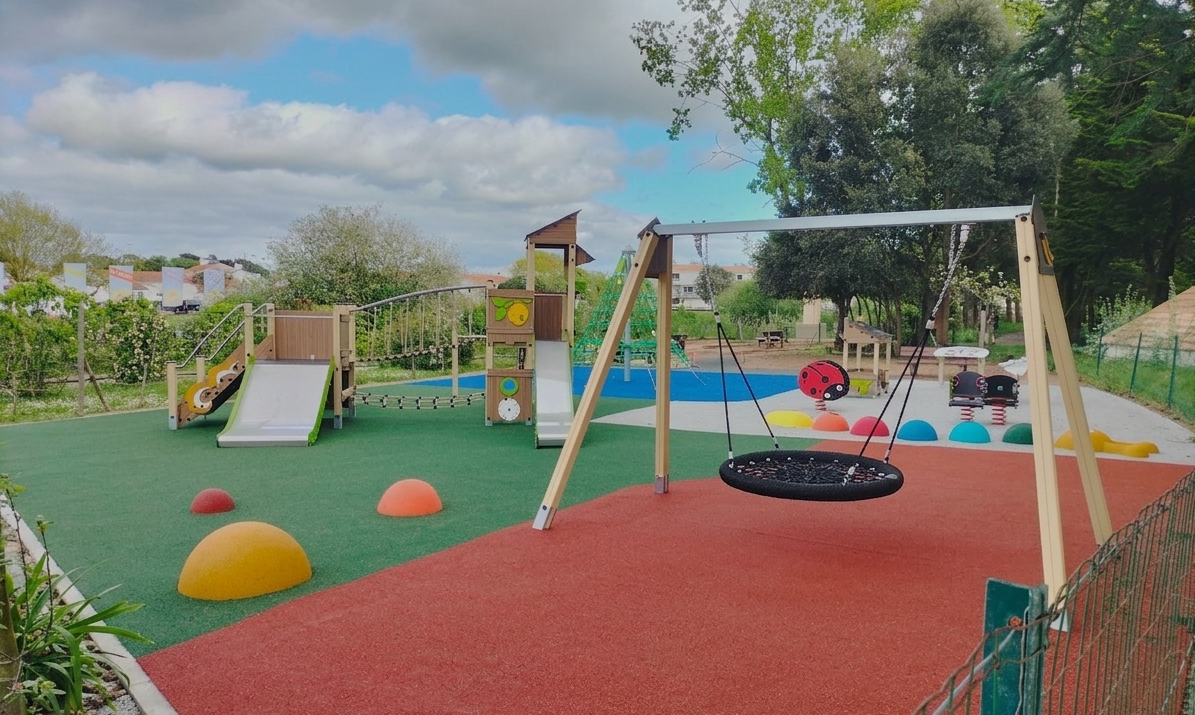
Visualisation
Your playground as if you were there !
Choose your products and we will create a highly realistic 3D RENDER with the ideal layout for each product, the desired floors, and the surrounding facilities.
Discover in this video, an interview with Thomas, manager of the Design Office.
The steps to create a 3D rendering with the EXTÉBOIS design office:
1. CHOOSE YOUR PRODUCTS
Build your play set by choosing your products from our different ranges and collections.

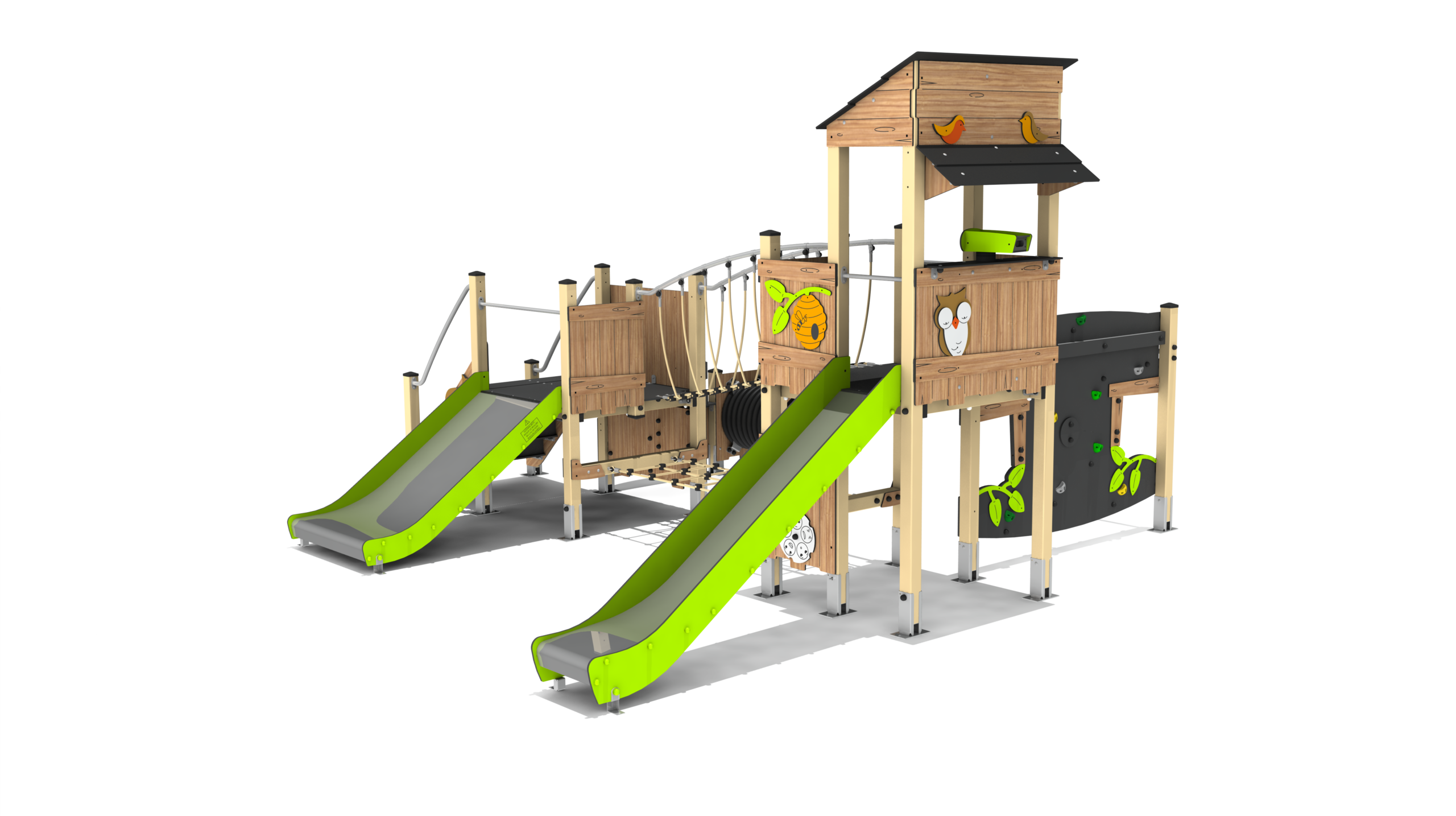
Select
your product range
OBERVATOIRE range - OBS.RP2004P
Add
your play
SWING range - PORTCORB


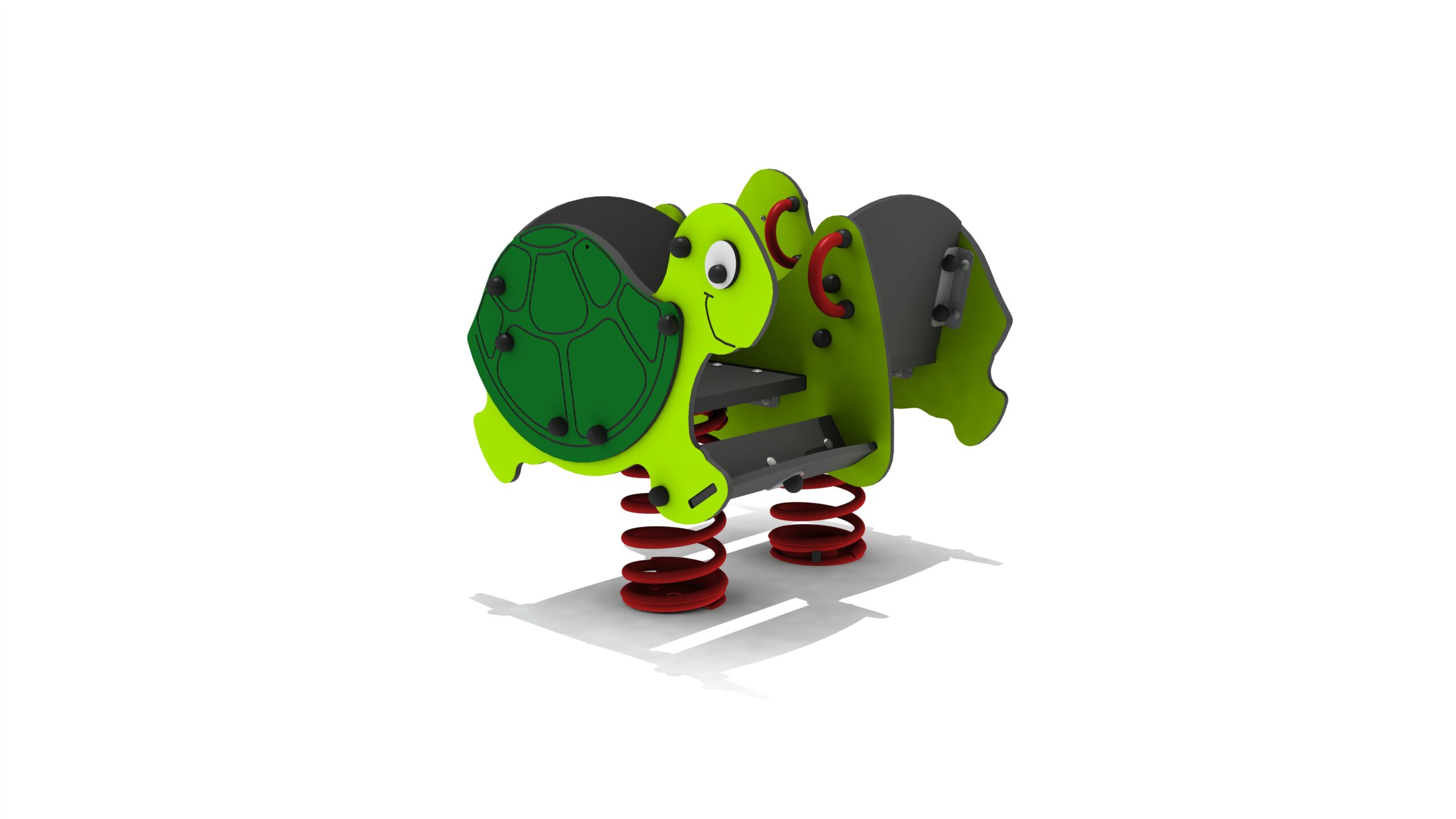
Choose your
spring toy
JR94DUOPMR
Enhance
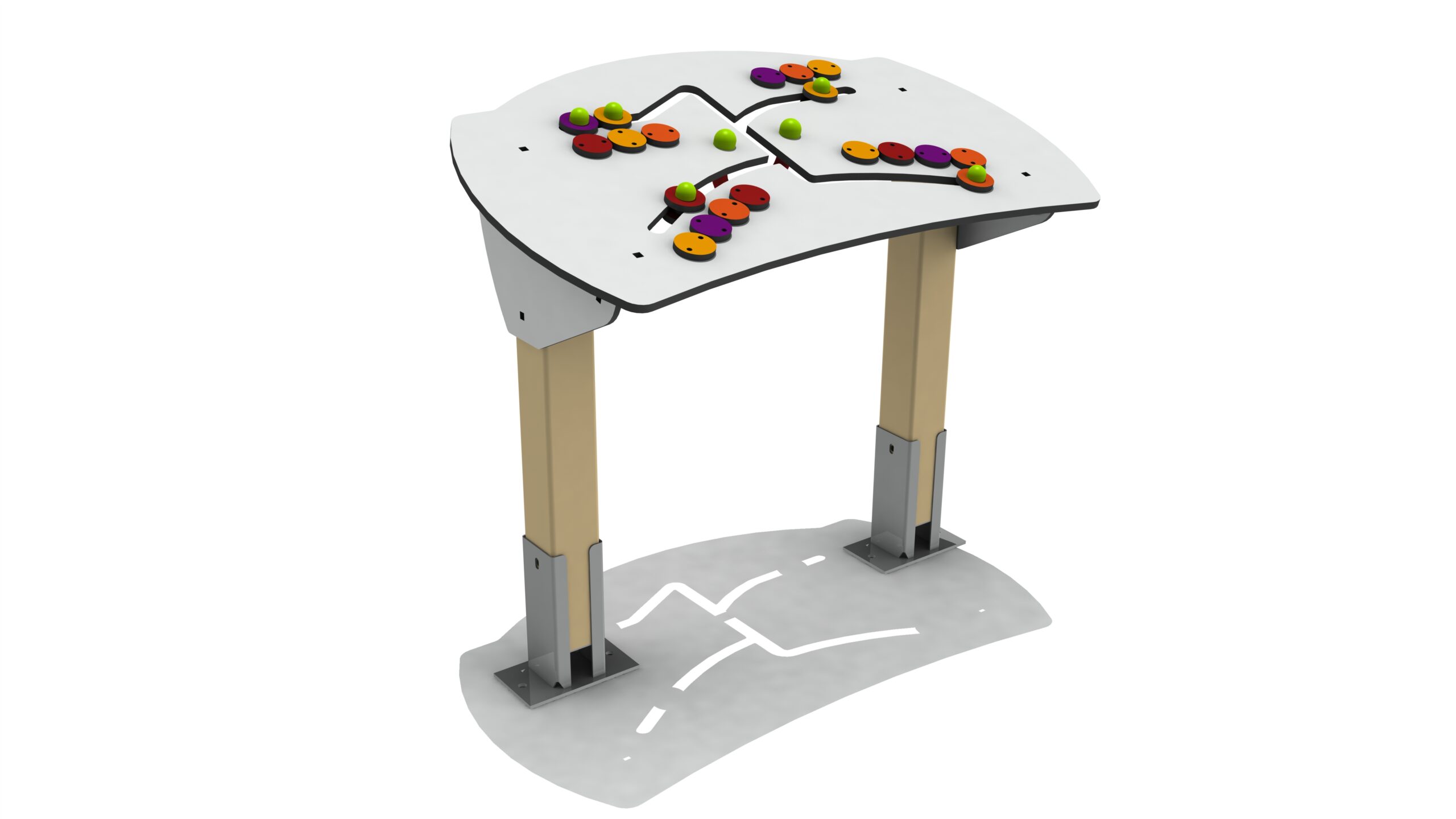
your playground
PL22D
2. WE CREATE A 3D RENDER FOR YOU
With the ideal location for each product, the desired floors, and the surrounding facilities. Your playground as if you were there!
3. FINAL PERSONALISATION OF THE PLAYGROUND